iPhone and iPad
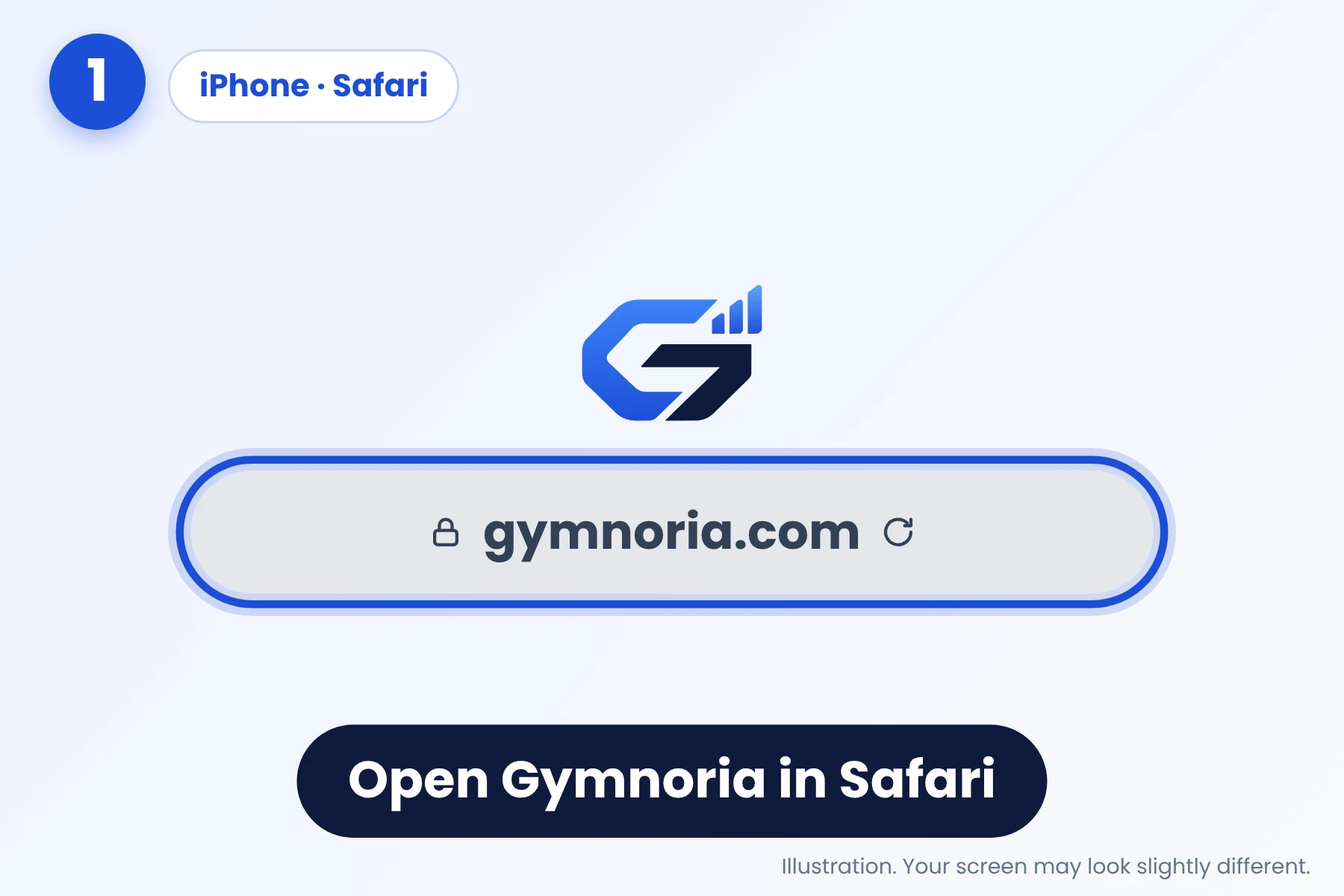
Open the link in Safari.
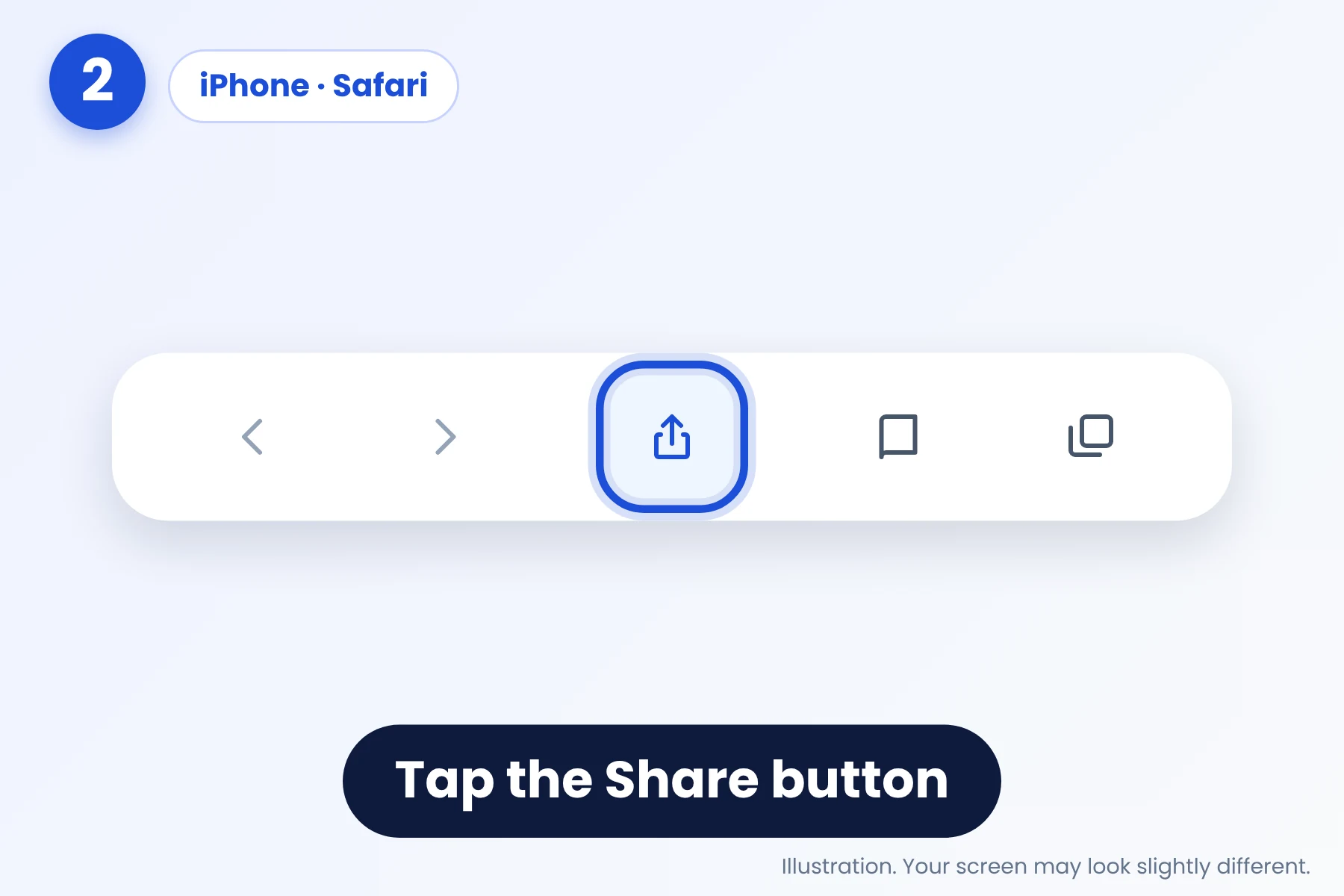
Tap Share.
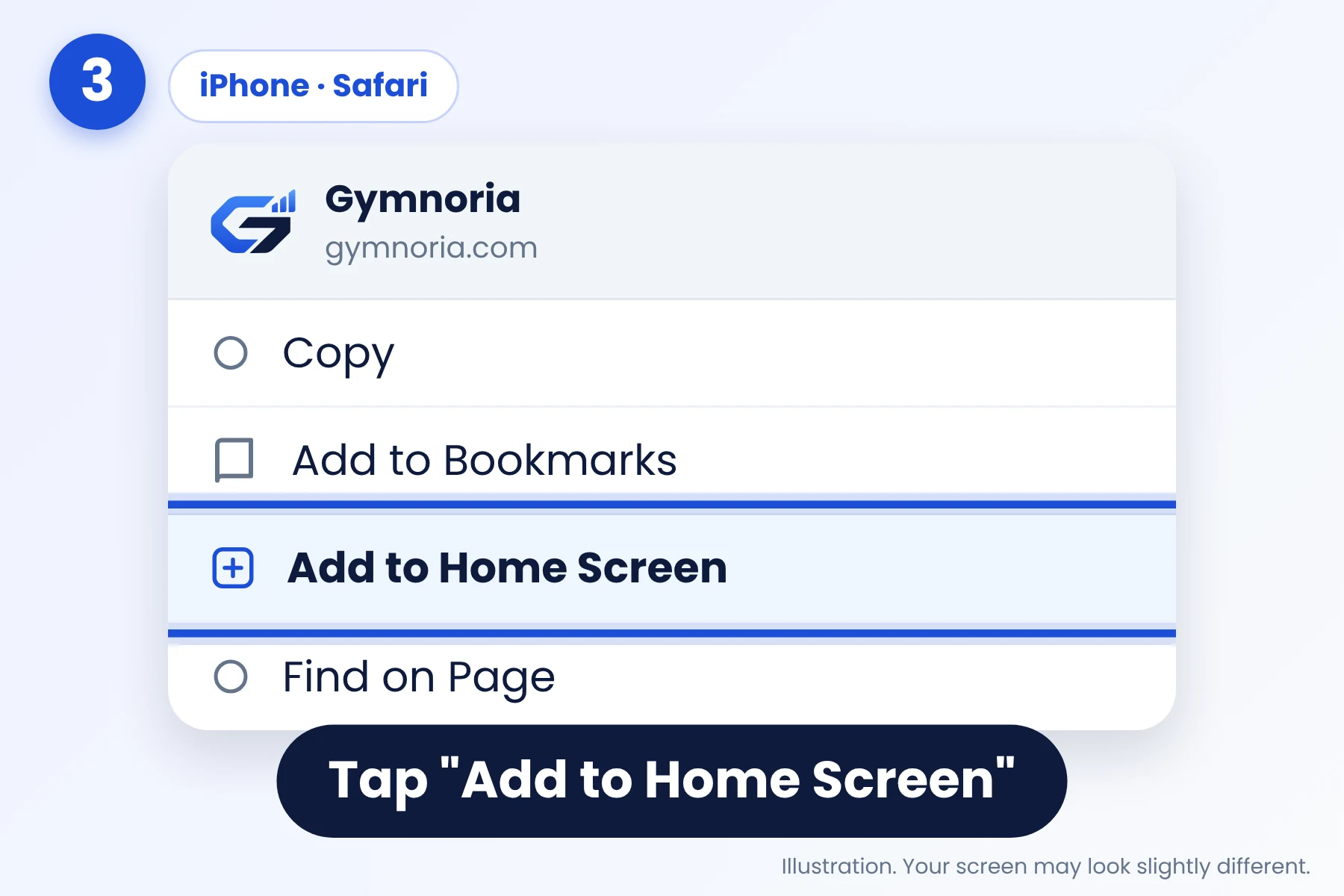
Tap "Add to Home Screen".
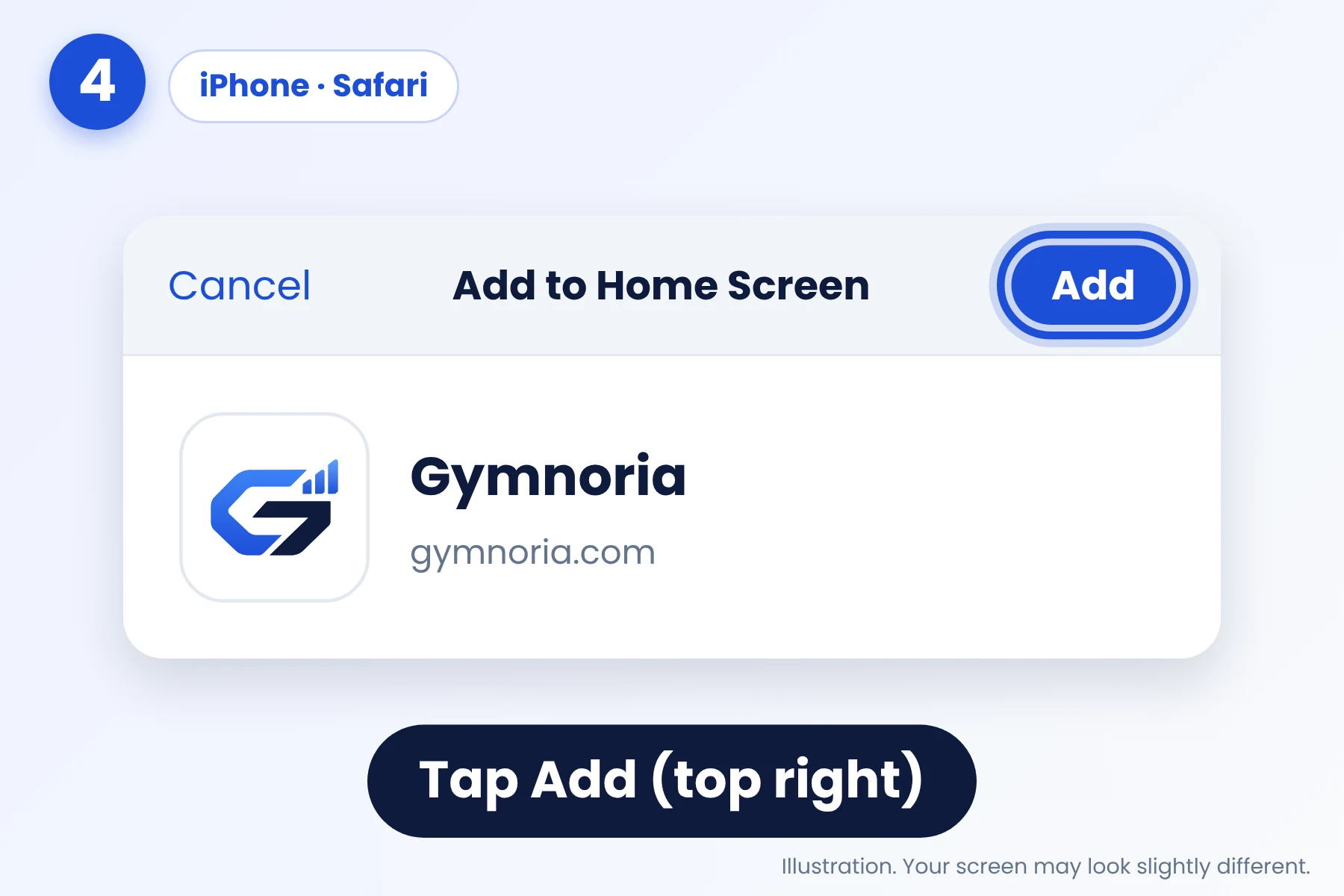
Tap Add.
Gymnoria is a PWA: a website you can install like an app. Add it to your home screen or desktop and it opens with its own icon, full screen.
Follow the written steps and matching pictures for your device.
Open the link in Safari.
Tap Share.
Tap "Add to Home Screen".
Tap Add.
Open the link in Chrome.
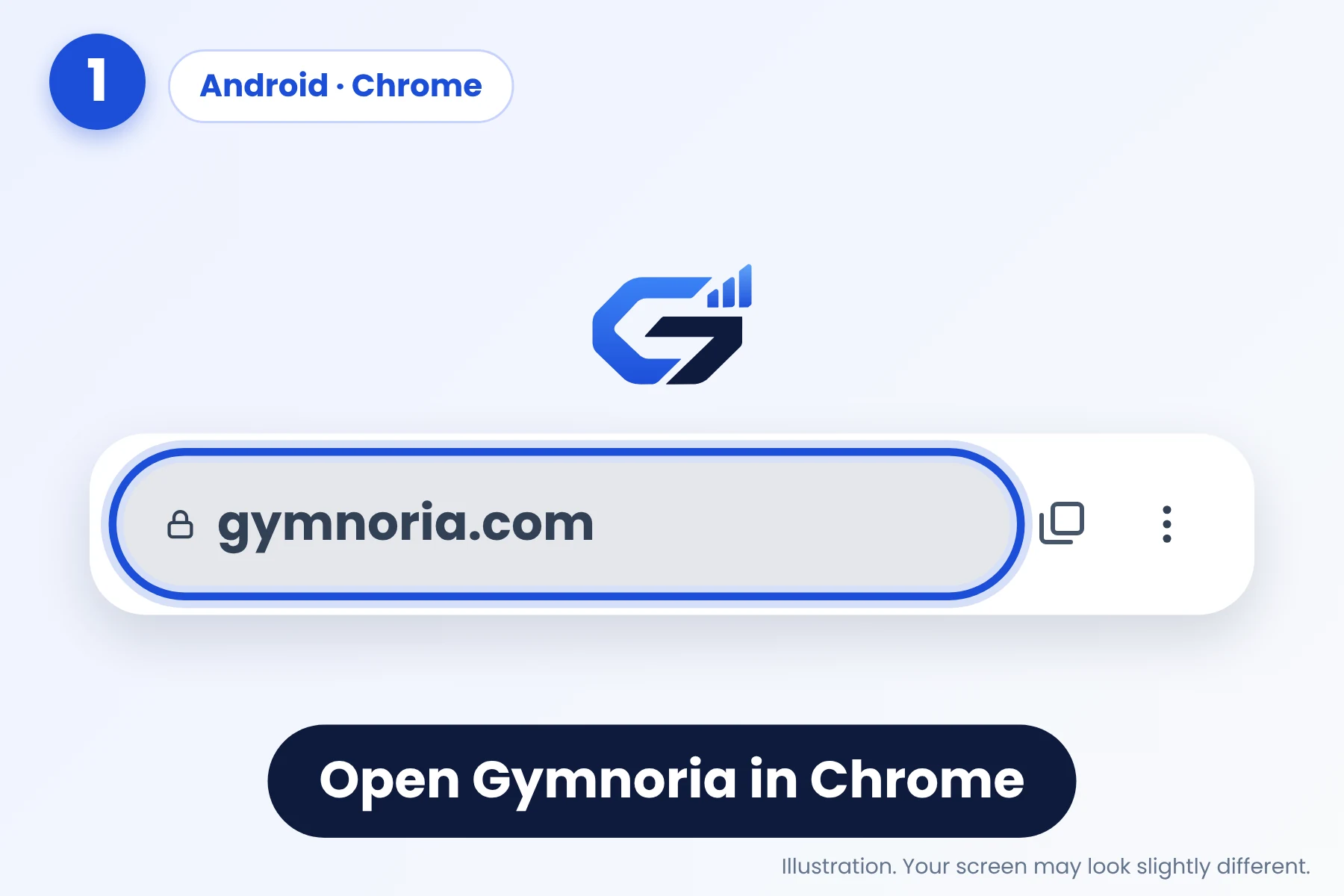
Tap the menu (three dots).
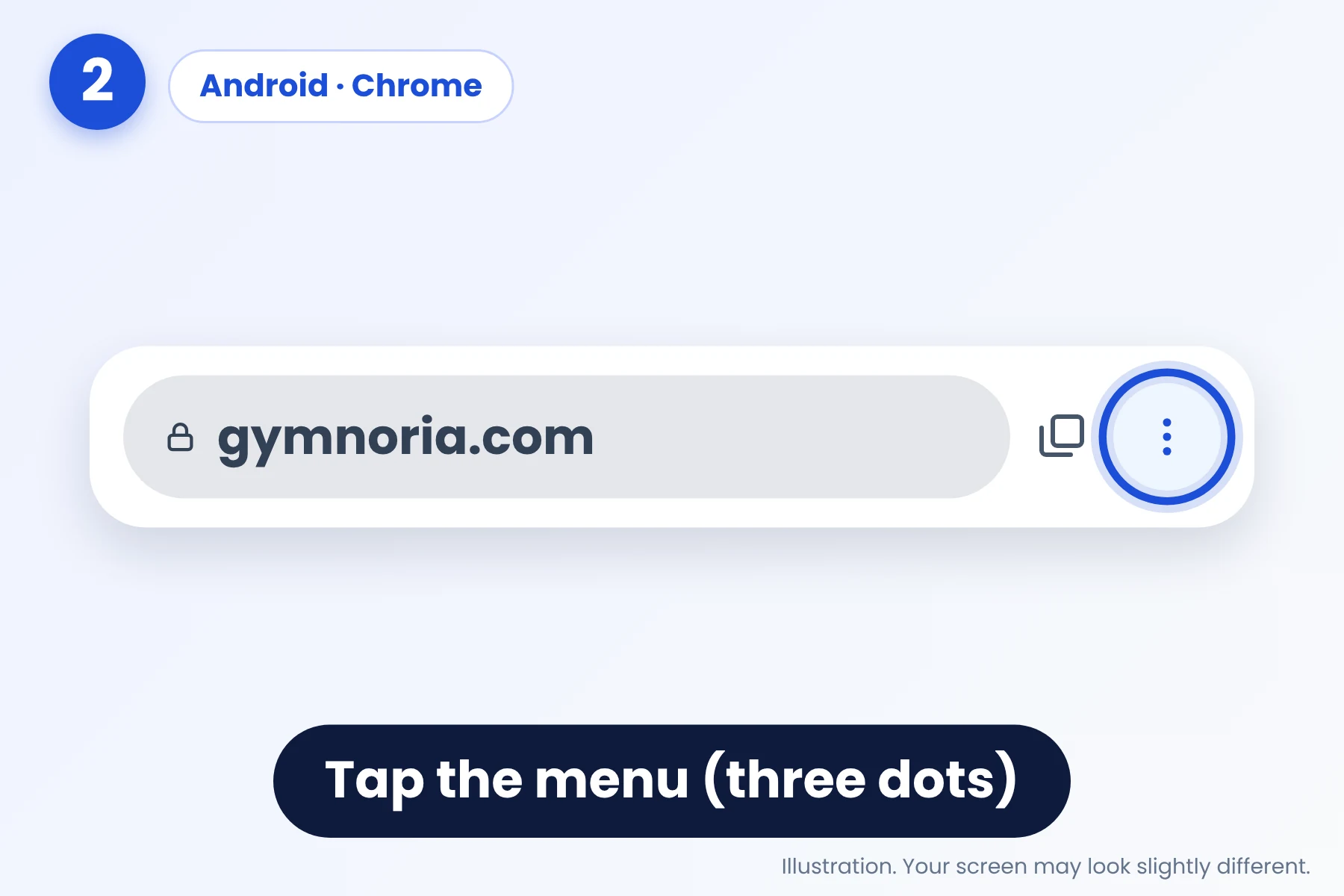
Tap "Install app" or "Add to Home screen".
Open the link in Chrome or Edge.
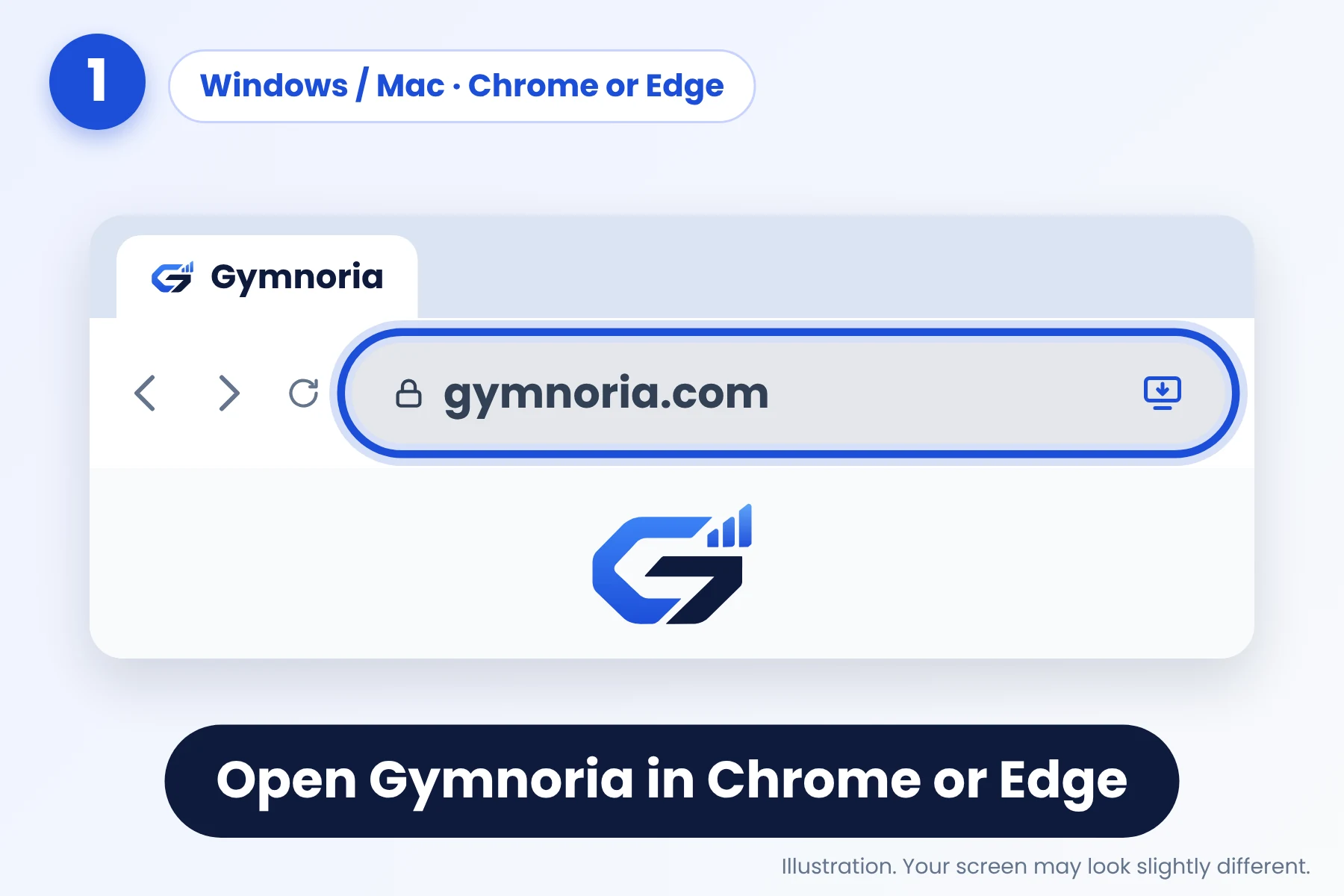
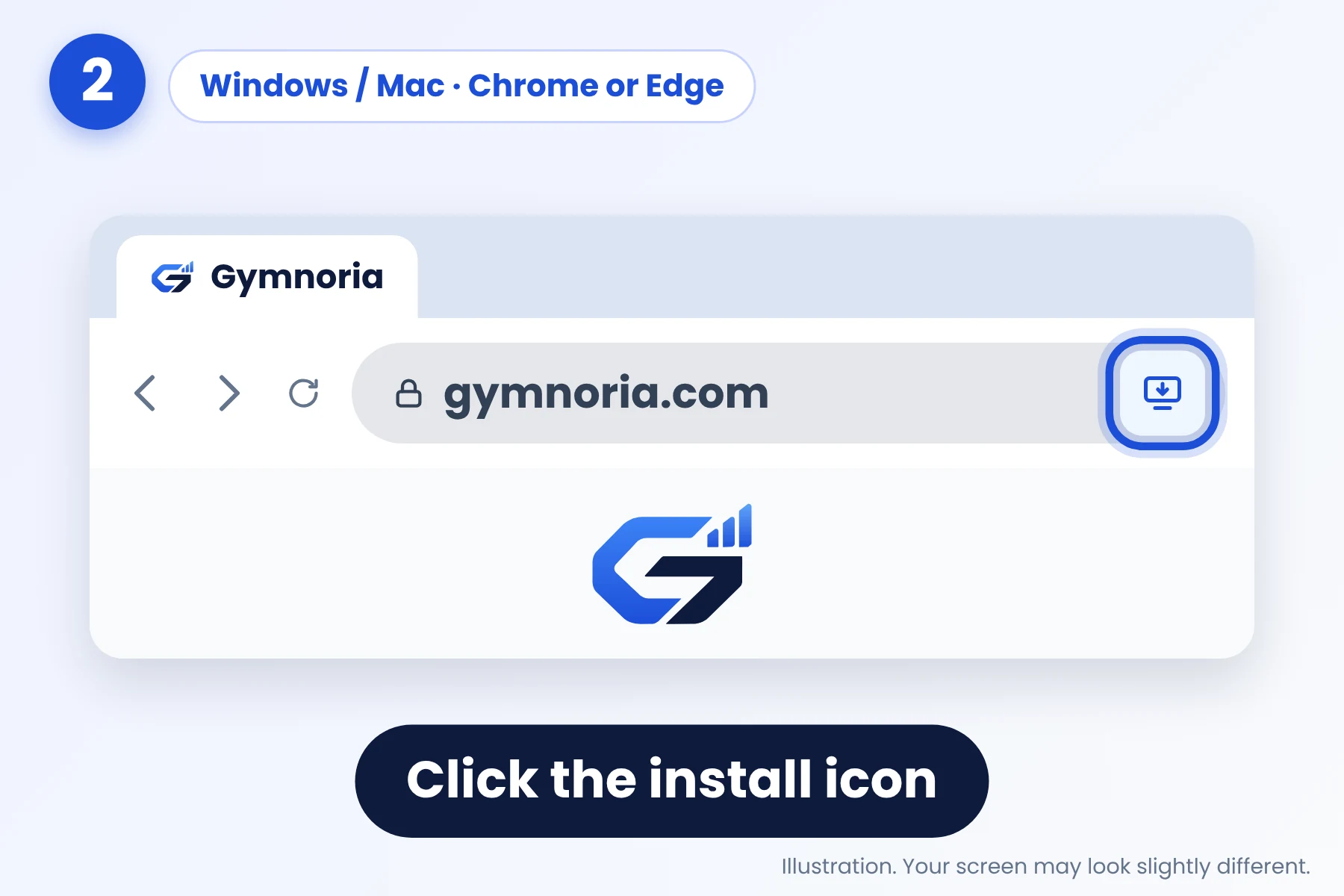
Click the install icon in the address bar (or open the menu, then "Install Gymnoria").
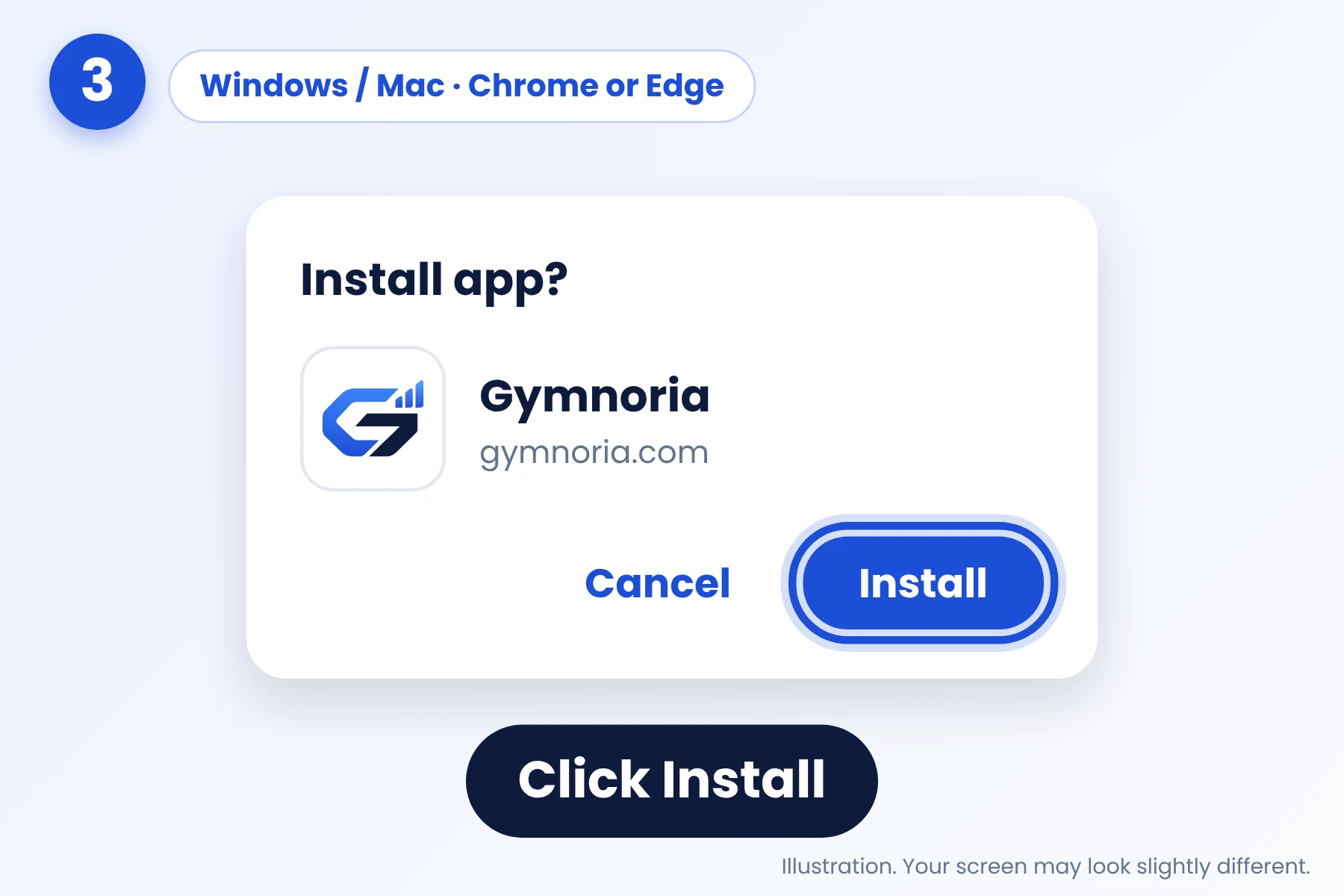
Click Install.
On Mac Safari: choose File, then Add to Dock.
Menu names can vary slightly between browser versions.
Owners and managers
Dashboard, members, stock, staff
Staff
Check-in, schedule
Members
QR check-in, inbox, streaks